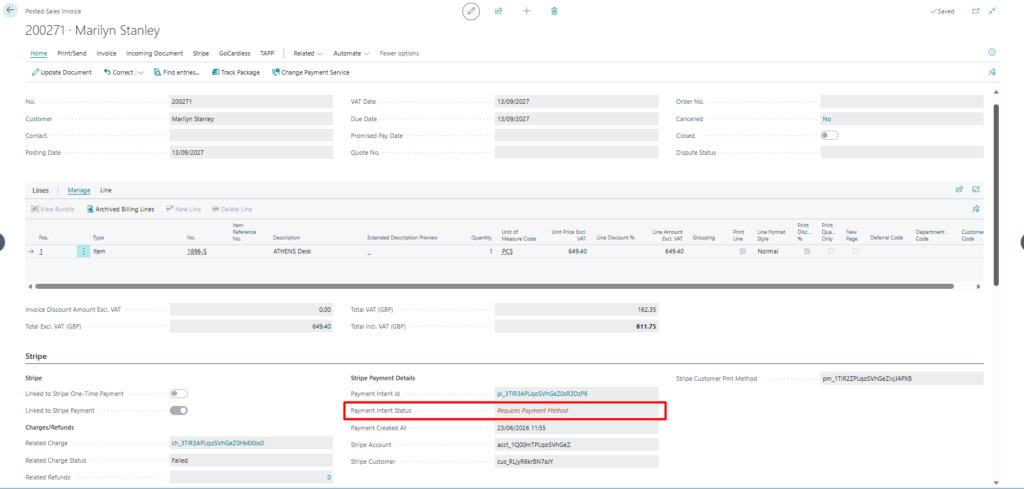
A Stripe Payment, as offered by Stripe can be generated via Stripe for Dynamics 365 Business Central – TAPP.
This article explains how Stripe Payments can be generated via Sales Documents.
Creating a Stripe Payment
Stripe Payments are transactions processed through the Stripe platform that uses pre-tokenized payment methods to process the payments without customer interaction.
Below are the steps to follow to generate Stripe Payments via Stripe for Dynamics 365 Business Central – TAPP.
- Create a Sales Invoice as per standard Business Central for an already onboarded Stripe Customer
- Switch on Enable for Stripe Payment
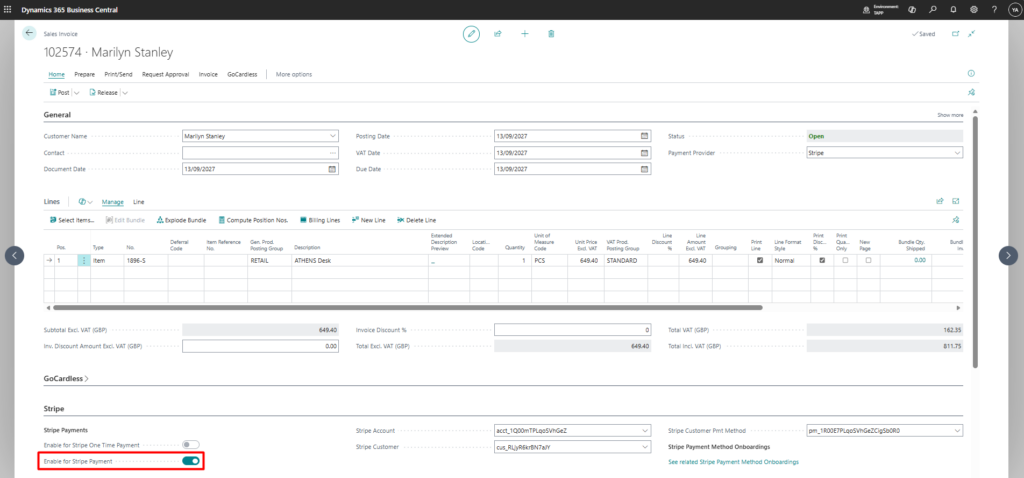
- Optional: If the customer has more than one tokenized payment methods linked to them, confirm that the correct one is being used.
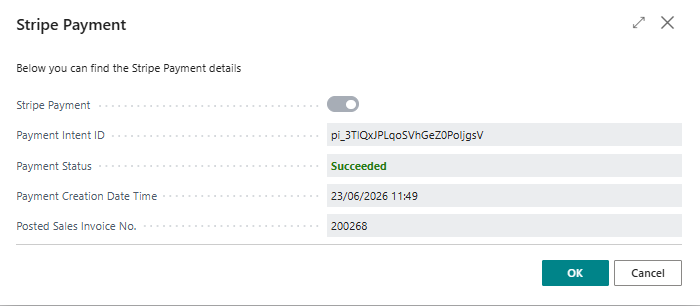
- Post the Sales Document as per standard Business Central. If posting is successful and the payment is successfully generated, the related information is returned.
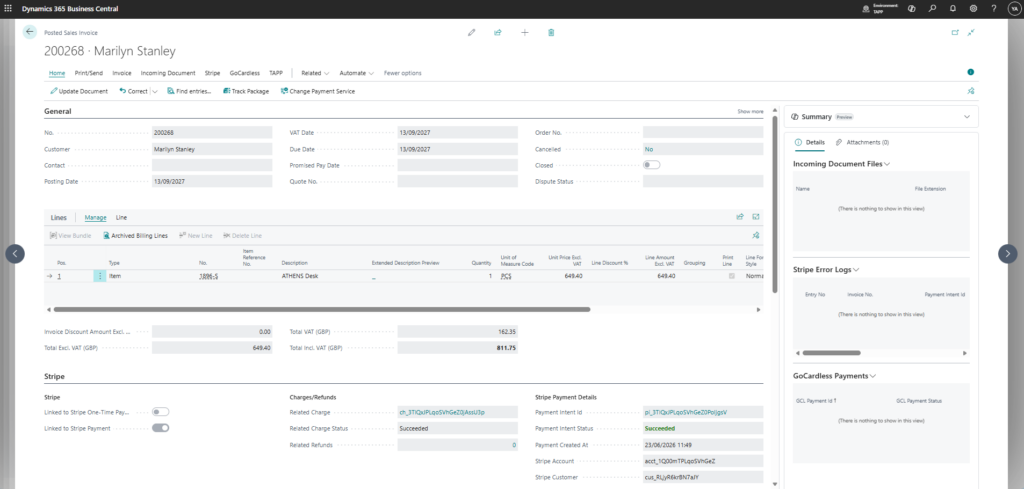
The payment information is carried over to the Posted Sales Invoice for future reference.
Failed Payments
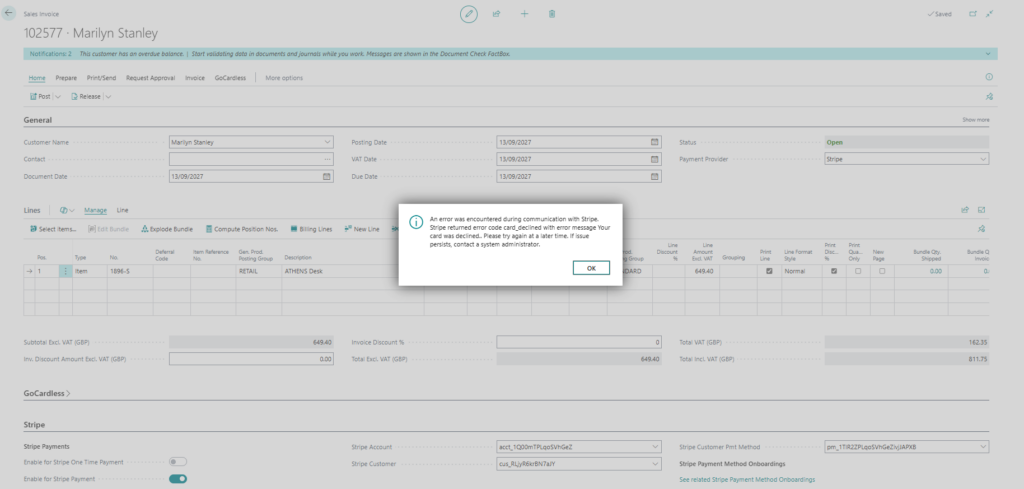
Should the payment fails upon posting of the Sales Document, users are notified accordingly as to why the payment has failed.
N.B. Payment failures do not block posting of a sales document.
All related information is transferred to the Posted Sales Invoice.