
Introduction
Background AI Jobs shows the work that is currently active, and this should be used when you have started a task and want to know whether it is still running, the progress or when you need the error text message after something has failed.
Page Information
The page lists the active background jobs with the information you need to judge progress at a glance.
| Field | What it shows |
| Status | Where the job has reached. |
| Start time | When the job started, so you can judge how long it has been running. |
| Error text | The message shown if the job fails. |
Completed jobs and their results
Completed and successful jobs leave the active queue, but their results remain in Runs. An empty page therefore means that nothing is running at the moment and not that nothing has been produced.
So if a job you were watching has disappeared from this page, open Runs on the project. The execution history and the results of the completed work are held there and this is important to understand.
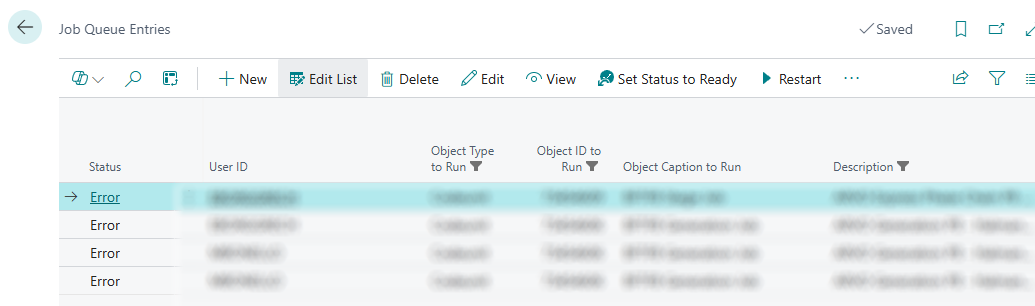
On the other hand, failed in-error jobs remain here for further investigation.
Failing Jobs
When a job fails, the page shows the error text which needs to be analysed before doing anything else, then check Runs for the execution history of that attempt. Between the two you can usually tell whether the work should be started again or whether something on the project needs to be corrected first.