
In this article, we describe how to cancel an Adyen payment request, allowing you to stop a payment before it is processed.
Step 1: Navigate to the posted sales invoice to which the payment to be cancelled is attached.
Step 2: Click on the Adyen action tab.
Step 3: Click on the Cancel Adyen Payment
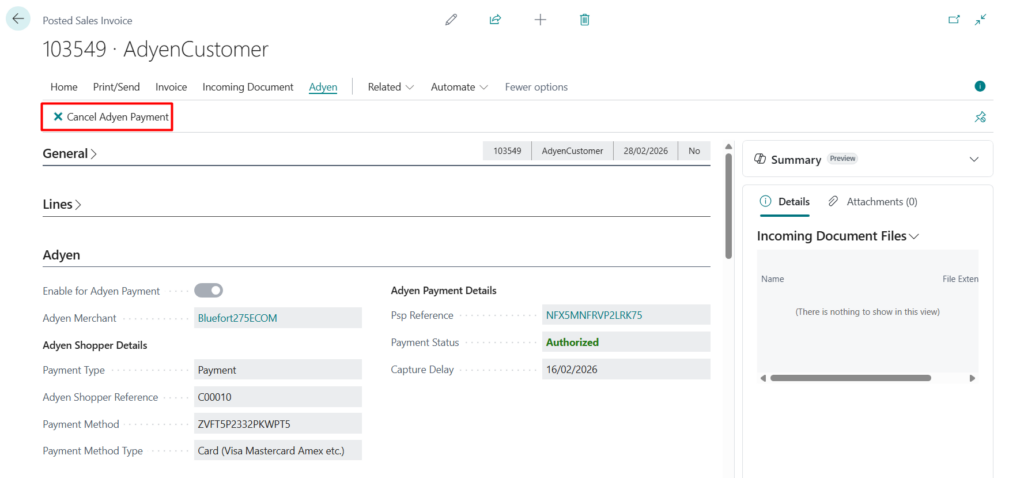
A cancellation request will be sent to Adyen. The payment status will be updated automatically via webhooks.