Introduction
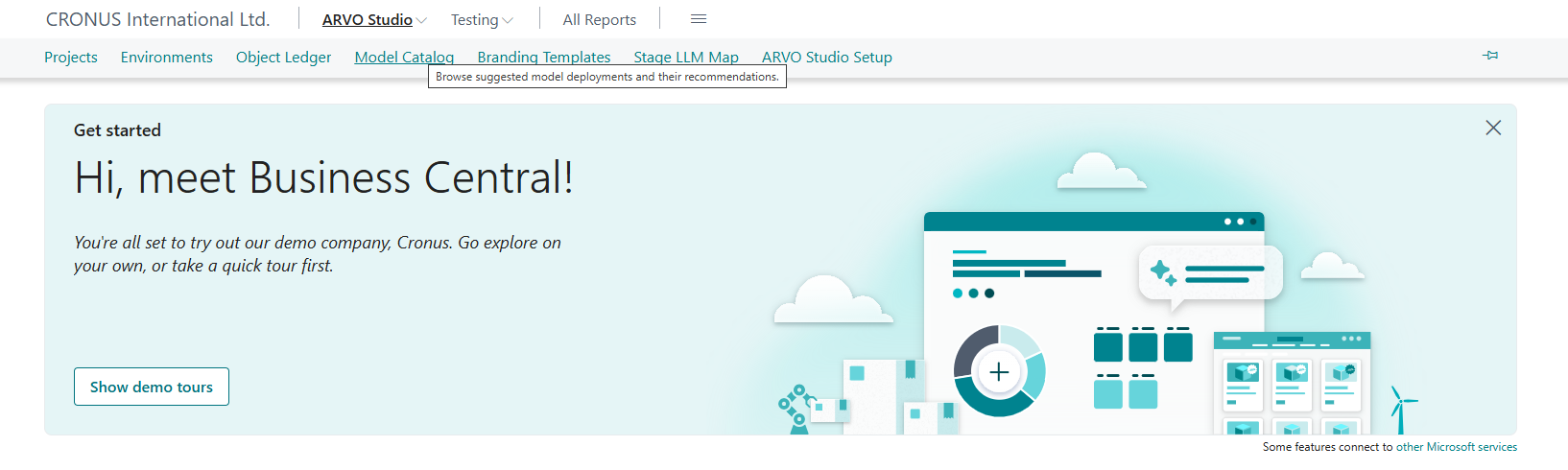
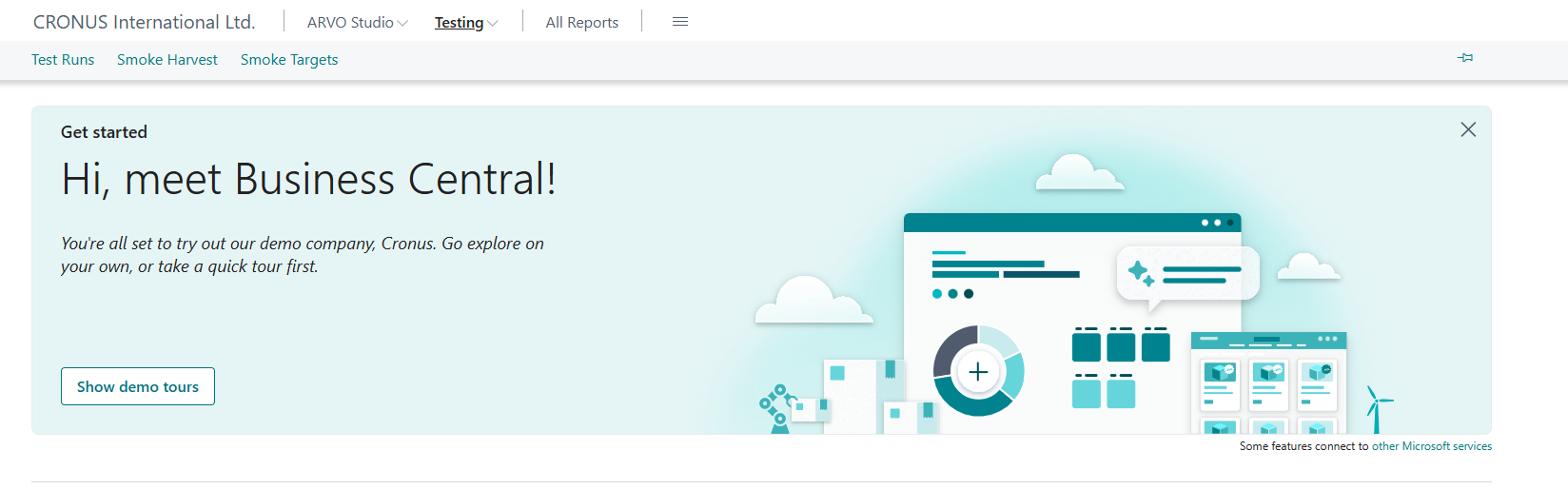
The role centre is the first screen you see in ARVO Studio and the place all the work starts from. This article is a short tour of the four things you need to recognise here. The ARVO Studio and Testing menus, All Reports, the Projects list and the New Project action.
In later articles you would read “open the Projects list” rather than a full explanation of where this would be every time, and the same names are used for the same things throughout.
The ARVO Studio and Testing menus
The role centre carries two menus namely, the ARVO Studio menu gathers the pages you use to set the product up and to run projects. The Testing menu gathers the pages related to testing. Between them they are the navigation route to everything described in this portal, so it is worth opening each one once before you begin.
Remember to follow the steps outlined in article Activate an Environment to enable and set your role to ARVO Studio role center.
All Reports
All Reports brings the reports available in ARVO Studio together in one place. Use it when you already know you want a report and would rather not look for it through the menus.
The Projects list
The Projects list is the main working area. Every project you create appears here, and opening a project from this list is how you reach its project card and the work in progress.

New Project
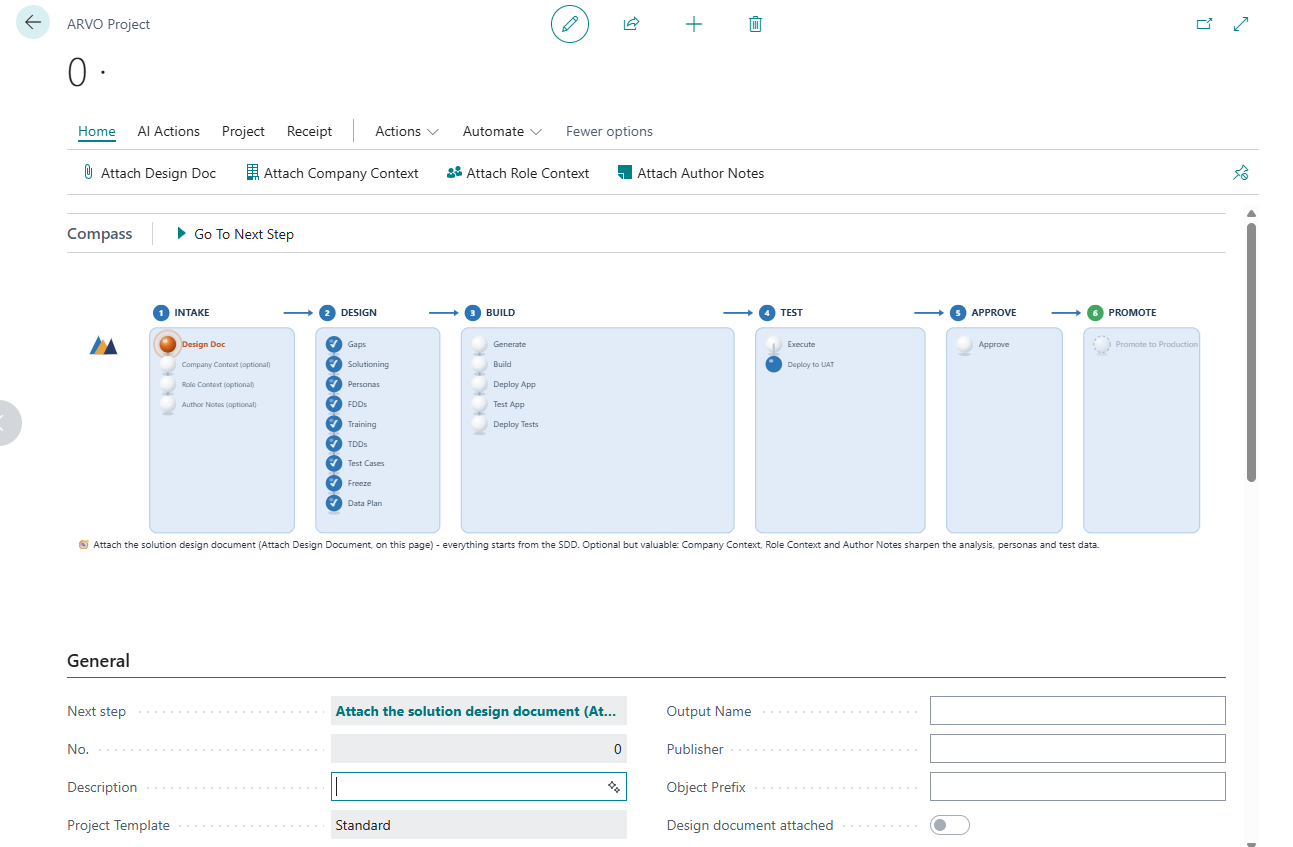
New Project is the starting action point and choosing it creates the project that everything else in the lifecycle is attached to. It is the point at which you attach the solution design document and complete the details that identify the work. The steps are covered in Create a project section which follows as the next article.