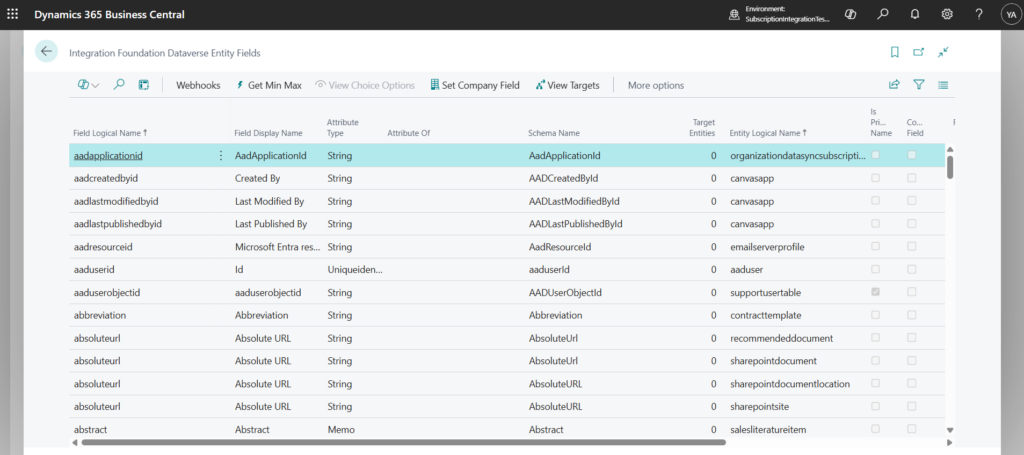
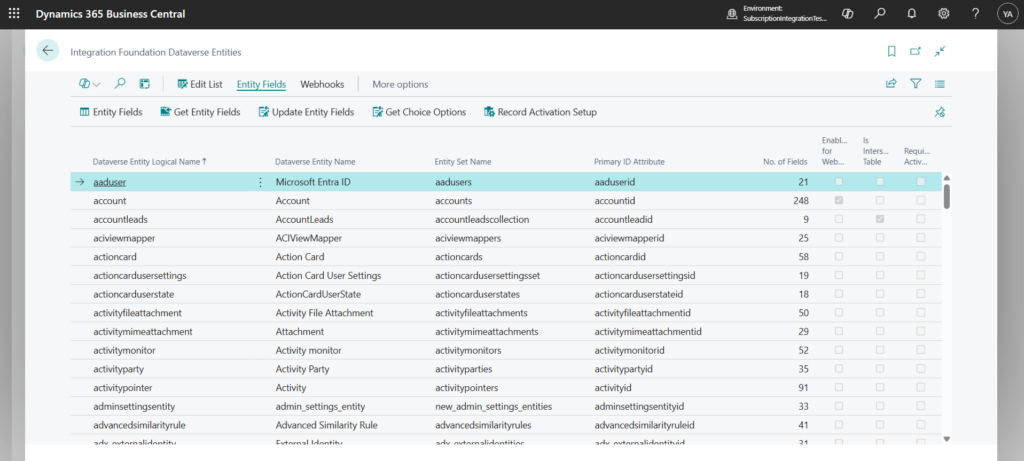
This page provides step-by-step guidance on how to load references to Dataverse Entities and Entity Fields in Business Central to be used for mapping purposes.
If you have any questions or need assistance, please contact Bluefort Support at support@bluefort.eu.
Pre-requisites
✅The Bluefort BC Dataverse Integrator has been set up – see more information here.
✅The Dataverse Token is active
Load Dataverse Entities
- Navigate to the Integration Foundation Setup page
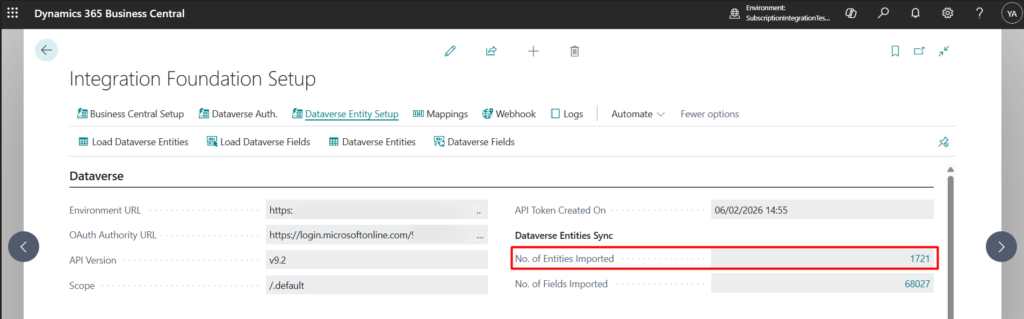
- Click on Load Dataverse Entities from under the Dataverse Entity Setup menu tab

A background session is automatically started and a notification will be pushed when completed. When done, the No. of Entities Imported in the setup page will be populated.
Load Dataverse Fields
- Navigate to the Integration Foundation Setup page
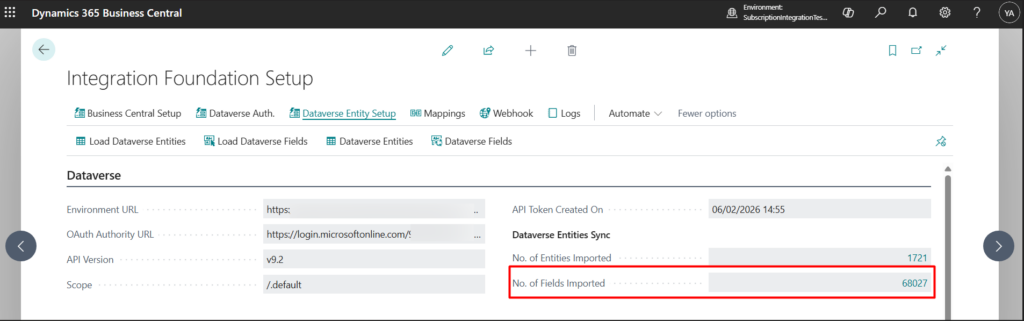
- Click on Load Dataverse Fields from under the Dataverse Entity Setup menu tab

A background session is automatically started and a notification will be pushed when completed. When done, the No. of Fields Imported in the setup page will be populated.