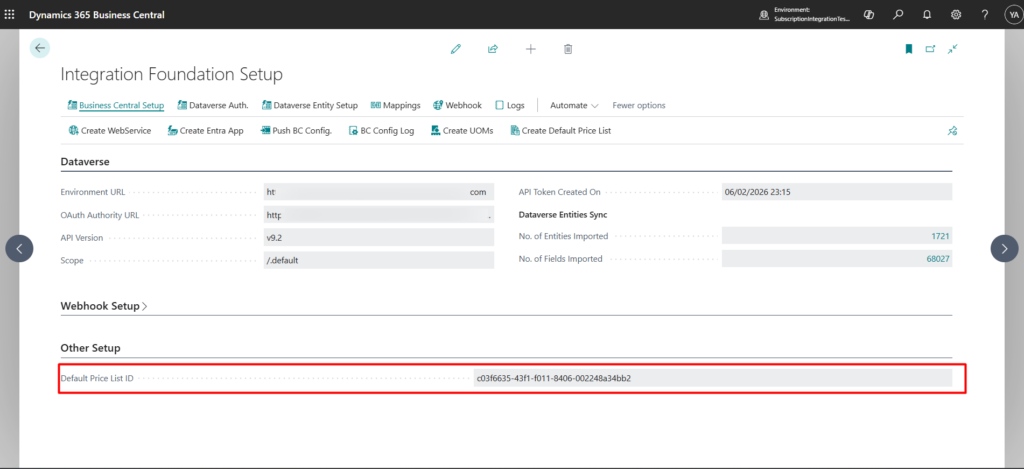
The BC–Dataverse Integrator requires the presence of a Default Price List in Dataverse to support core integration processes.
This Default Price List is created specifically to satisfy Dataverse system requirements and enable seamless data exchange. It does not replace or interfere with the synchronization of standard Business Central sales price lists. Instead, it serves as a technical prerequisite that ensures records created through the integration meet Dataverse validation rules.
This guide explains how to create and configure the Default Price List to properly support the integration between Business Central and Dataverse.
Sync Default Price List
- Navigate to the Integration Foundation Setup page
- Under the Business Central Setup menu tab, click on Create Default Price List

- Upon confirmation that the price list has been created, this can be confirmed by ensuring that the field Default Price List ID in the Integration Foundation Setup page under the Other Setup FastTab has a value.