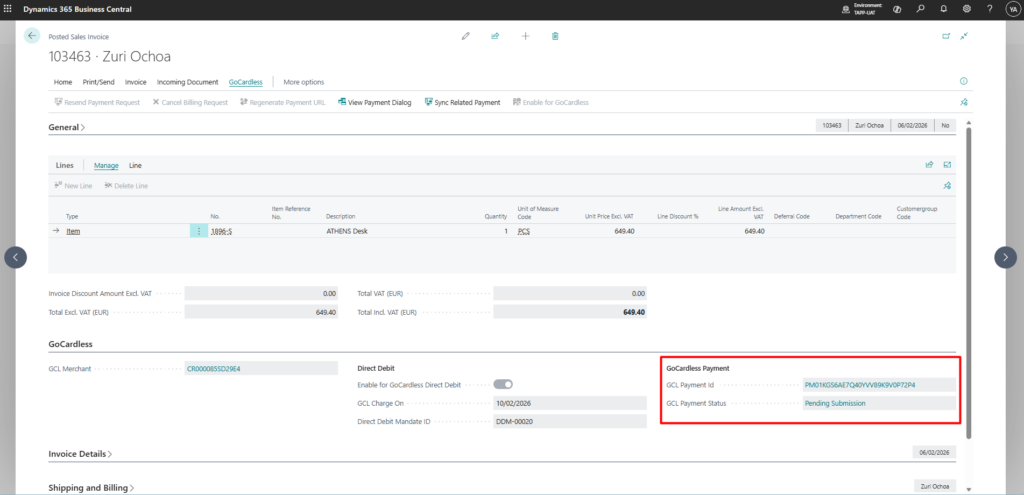
Posted sales invoices that originally generated a Billing Request can be converted to capture a payment from an already existing mandate linked to the invoice customer. When the payment is generated, the original Billing Request is automatically cancelled.
Capture Payment from a Billing Request Invoice
- Navigate to the Posted Sales Invoice from which a billing request has been generated
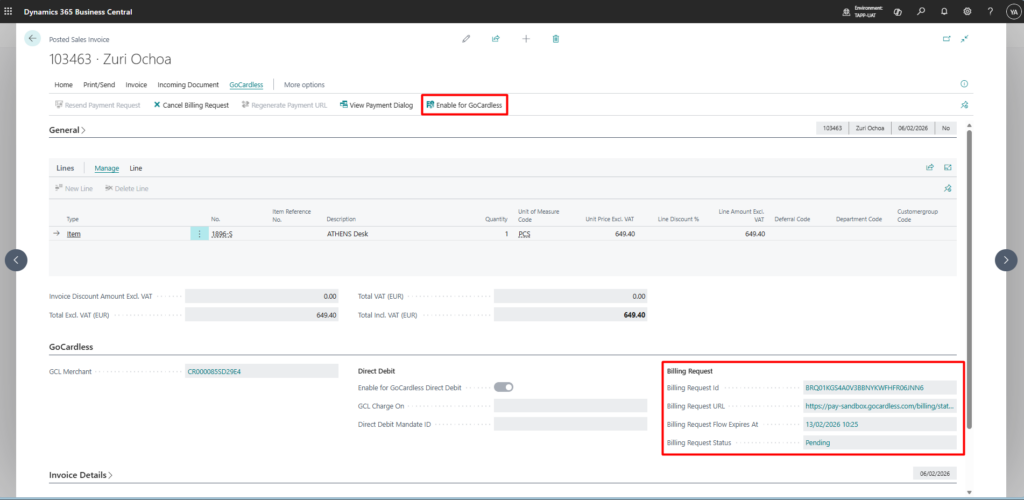
- Click on Enable for GoCardless action in the GoCardless menu tab
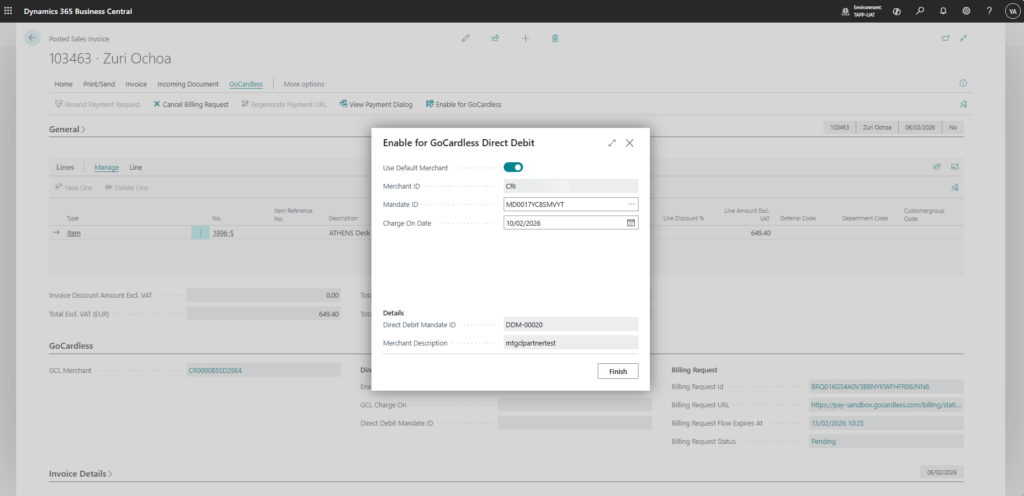
- Fill in the details in the pop up window and click Finish
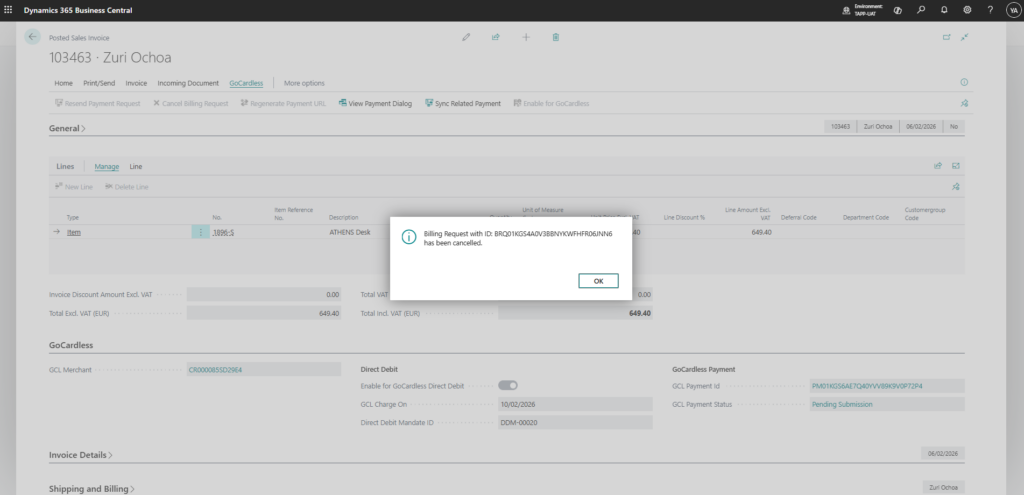
- The Billing Request is automatically cancelled
- The captured payment is linked to the invoice accordingly